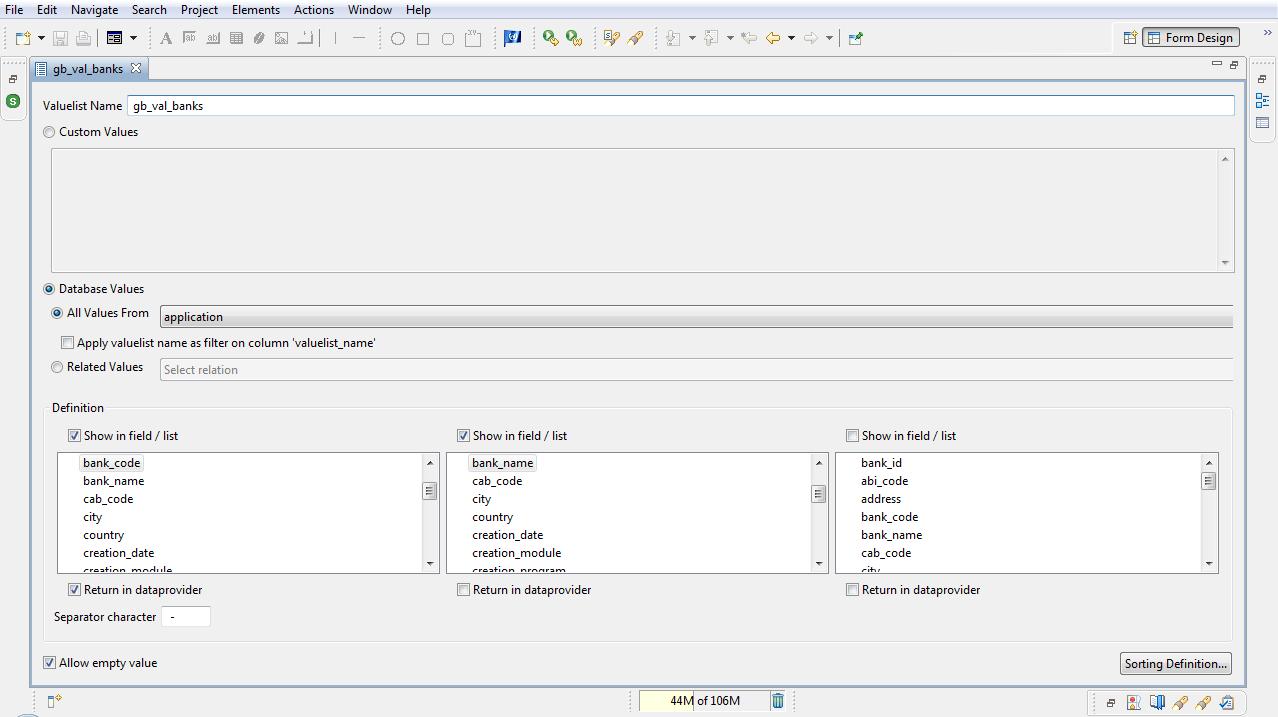
I have a problem with the view editor for valuelist, due I couldn’t see the field to change the table name neither bar to move the form. I installed servoy again and problem still happend. Could help me how to solve this issue? Please see the imagen attached with the printscreen
Thanks you
Juan Carta
[attachment=0]valuelisteditor.jpg[/attachment]
Was the editor restored after developer close (so opened automatically when open Servoy Developer) or when you open it manually ? Does it happen every time ?
it’s happends every time. The only way to avoid thìs situation is when I created a new solution, but when I made a restore from the project the problem return again.
boy! looking at that width of that screen shot that was a very very very very long relation name!
hope you did use code completion to “type” it in the javascript editor else you would already spend 1 hour by just typing that name!